
Review a scan before saving
Compare the suggested set, number, language, and finish with the card in your hand. Use manual search when a match is unclear, then confirm the version you want to save.
See how the scanner worksFor collectors
Keep track of the cards you have, the versions you confirmed, and the gaps you still want to fill. Bring a useful list to the card shop while your cards stay in their sleeves.
Free for collectors · iPhone, iPad, Android & browser
Example collection
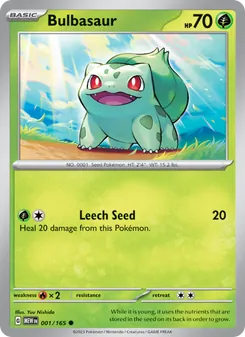

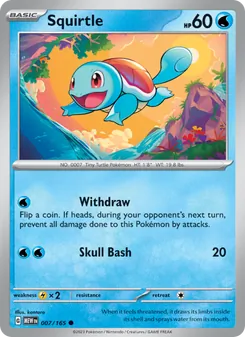
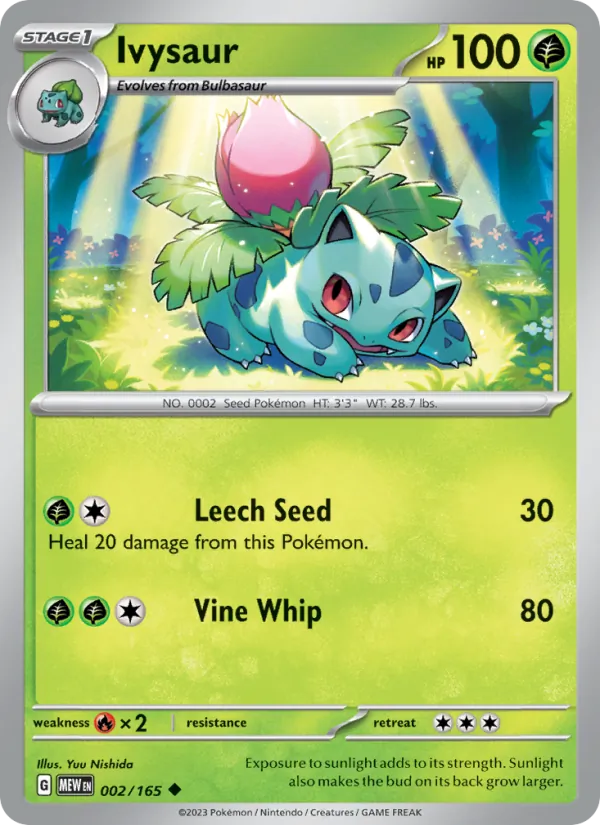
A familiar name can belong to several releases. Keep the set and version with the card.
From the first card to the next gap
Compare the suggested set, number, language, and finish with the card in your hand. Use manual search when a match is unclear, then confirm the version you want to save.
See how the scanner worksPlan a binder for a set or arrange the cards you enjoy. Planned pages distinguish cards held here, elsewhere in your collection, and still missing.
Explore binder plansLook up an exact version and read the source and date beside its estimate. Inspect the card’s condition before using that figure in a trade.
Look up card pricesStart with a set, a favorite Pokémon, or artwork you want to keep together. Our guides explain the versions to look for and give you ideas for the next page.
Yes. Open your collection in the browser to search your cards and manage your binders. Use the phone app when you want to scan.
Yes. Export your collection in CSV or JSON. A binder can also be exported as a printable PDF. Your existing collection and exports stay available without a subscription.
Search for the right card and choose it before you tap Add, so nothing is saved until it matches. The finish comes picked for you, and if yours is different, one tap changes it.
A dated estimate belongs to the exact card version shown. It does not authenticate or grade your card, adjust for its wear, or value your whole collection as one figure.